> For the complete documentation index, see [llms.txt](https://oido.gitbook.io/hilfe/llms.txt). Markdown versions of documentation pages are available by appending `.md` to page URLs; this page is available as [Markdown](https://oido.gitbook.io/hilfe/help/registration-login.md).
# REGISTRATION LOGIN
Registration is required free of charge to use OIDO - even to try it out. No credit card is required.
To create an OIDO account, click on this button:
[Create new account](https://www.oido.me/admin/registration?redirect=/dashboard)
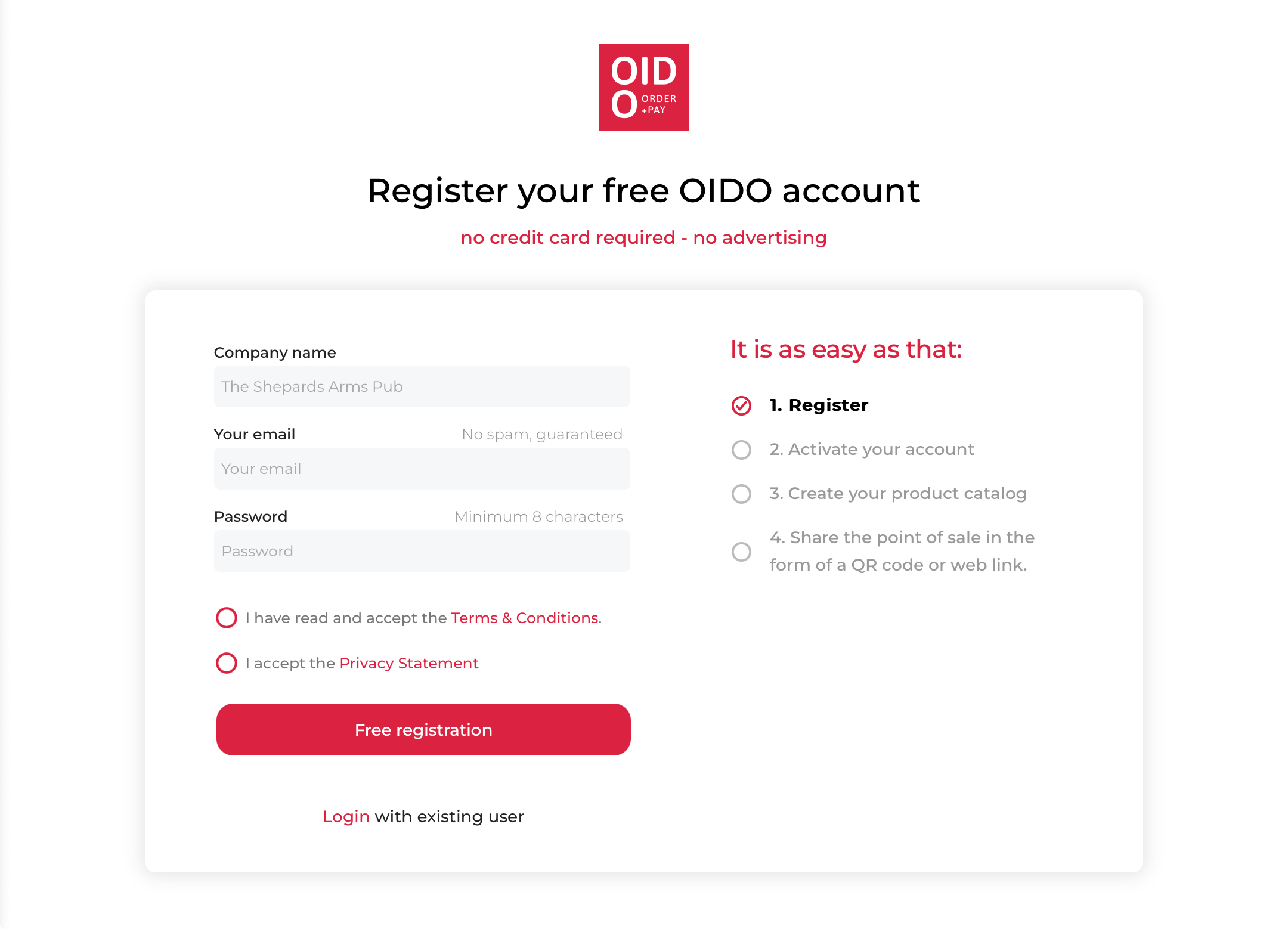
Registration screen
1. Enter the name of your food establishment or business.
{% hint style="info" %}
The shop can be accessed online under this name **** after registration.
{% endhint %}
2. Enter your business e-mail address.
{% hint style="danger" %}
It is **not possible to change the e-mail address** at a later date. Use a business e-mail address to which you also have access, e.g. in the event of a change of person.
{% endhint %}
3. Choose a password with minimum 8 characters.
4. Accept the General Terms and Conditions and the Privacy Policy (mandatory).
5. Click on the FREE REGISTRATION button.
6. You will receive an e-mail with the subject: ‘Your OIDO Verification Link’ (please also check your spam folder).
7. Confirm your registration by clicking on ‘Verify account’ in the e-mail.
## LOGIN
Log in from the [OIDO website](https://oido.me/).
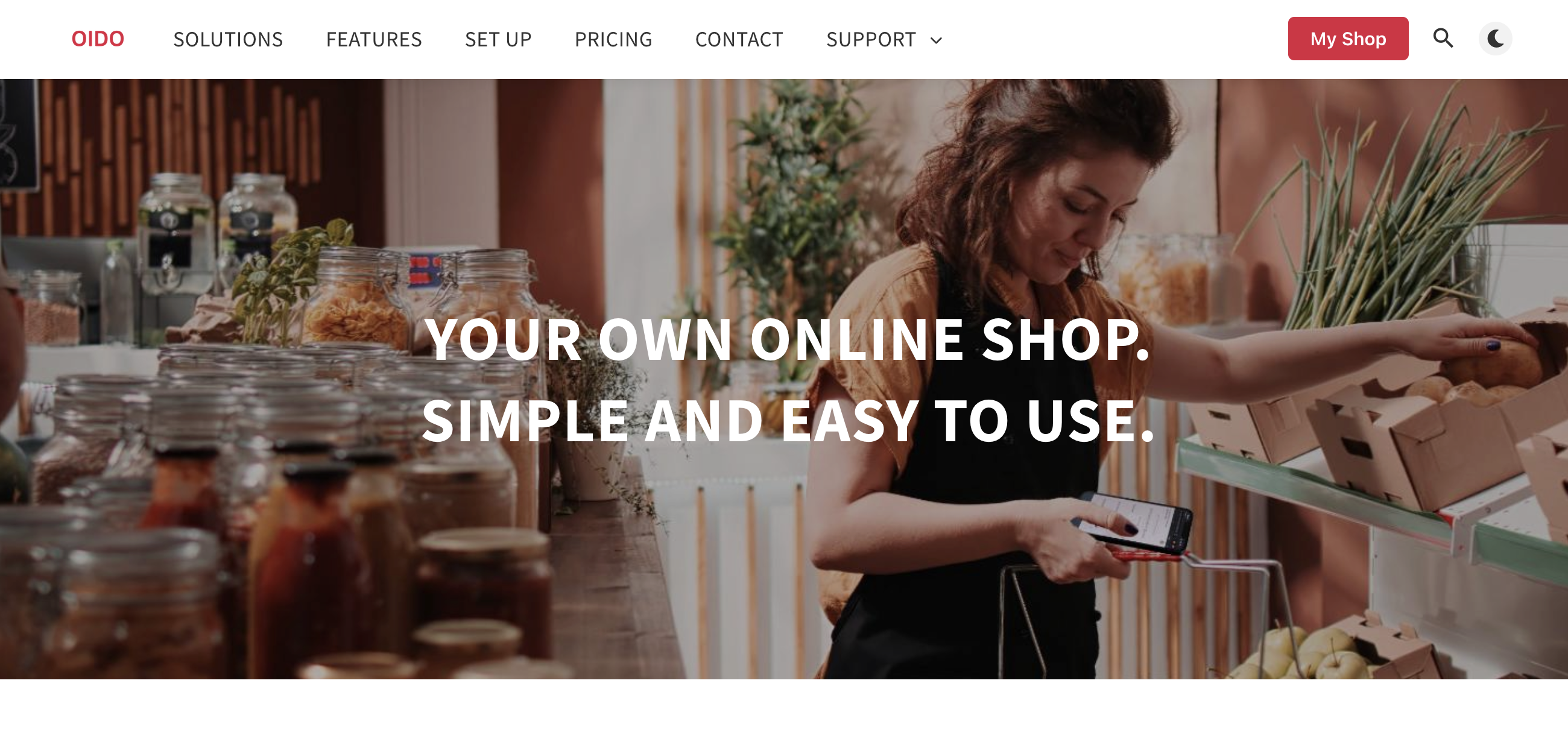
Red login button on upper right corner OIDO homepage
Choose the 'My Shop' button and on the [Login screen](https://www.oido.me/admin/login/):
1. Give in E-Mail
2. Give in password
3. Click the red Login button.
{% hint style="info" %}
You can be logged in on several devices at the same time, e.g. laptops, mobiles, tablets.
{% endhint %}
***
[‹ Return to the OIDO website](https://www.oido.me/en)